RCSJ Password Requirements
– Minimum 15 characters
– Cannot contain your username or your full name
– Cannot be one of your last five passwords
Step-by-Step Instructions
Now that the reset process is completed, you will be able to access your RCSJ email and other resources at RCSJ.edu/direct with the password you just created.
- Navigate to the following link: Forgot my Password
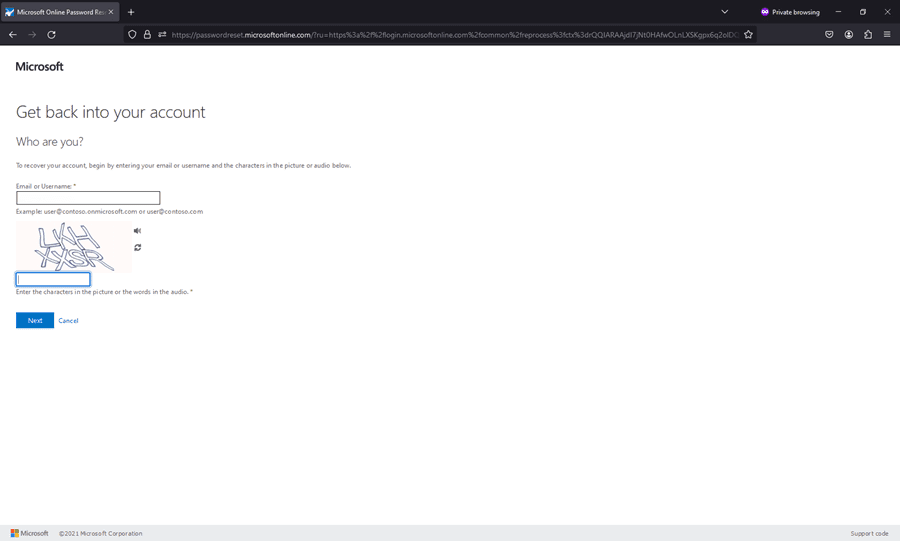
- Provide your RCSJ email address (i.e. – [email protected]) then complete the captcha example provided. Notice the letter “s” at the end of “students” in the email address.
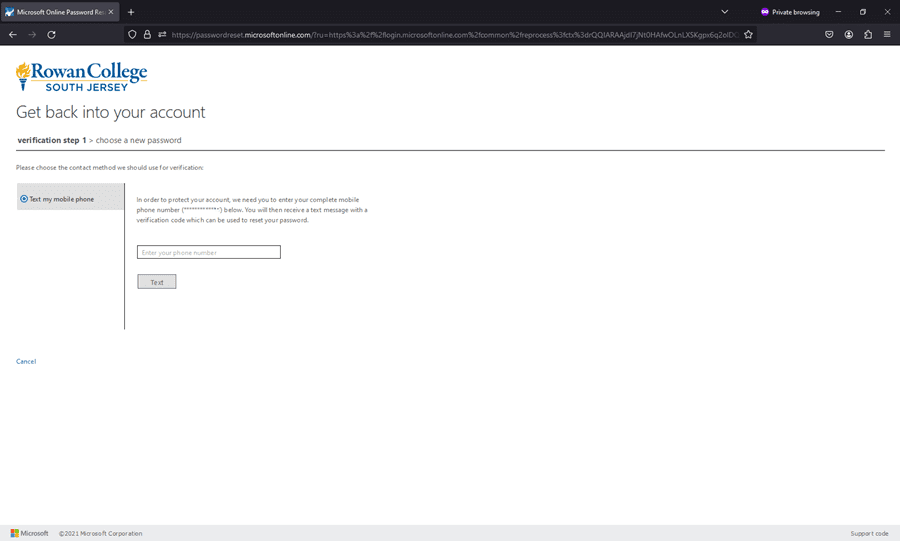
- Enter the complete phone number in the space. You will see an example of the phone number already assigned to your account. You will then be sent a code to confirm on the reset page.
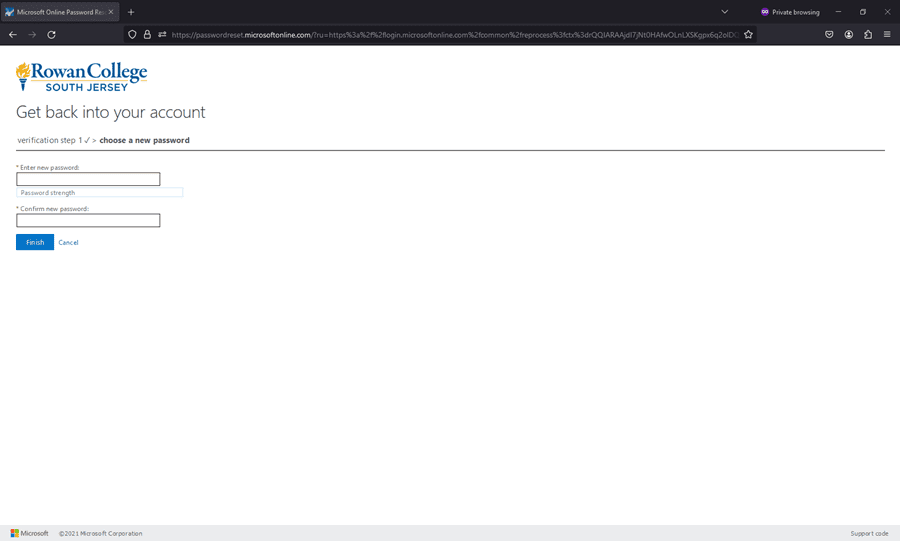
- Enter the new password you want to use on both lines; below are the requirements. When you have entered the new password, click “Finish”.

Now that the reset process is completed, you will be able to access your RCSJ email and other resources at RCSJ.edu/direct-links with the password you just created.
Please contact Technical Support if you need further assistance.